Galleries
Deliver straight from where you culled.
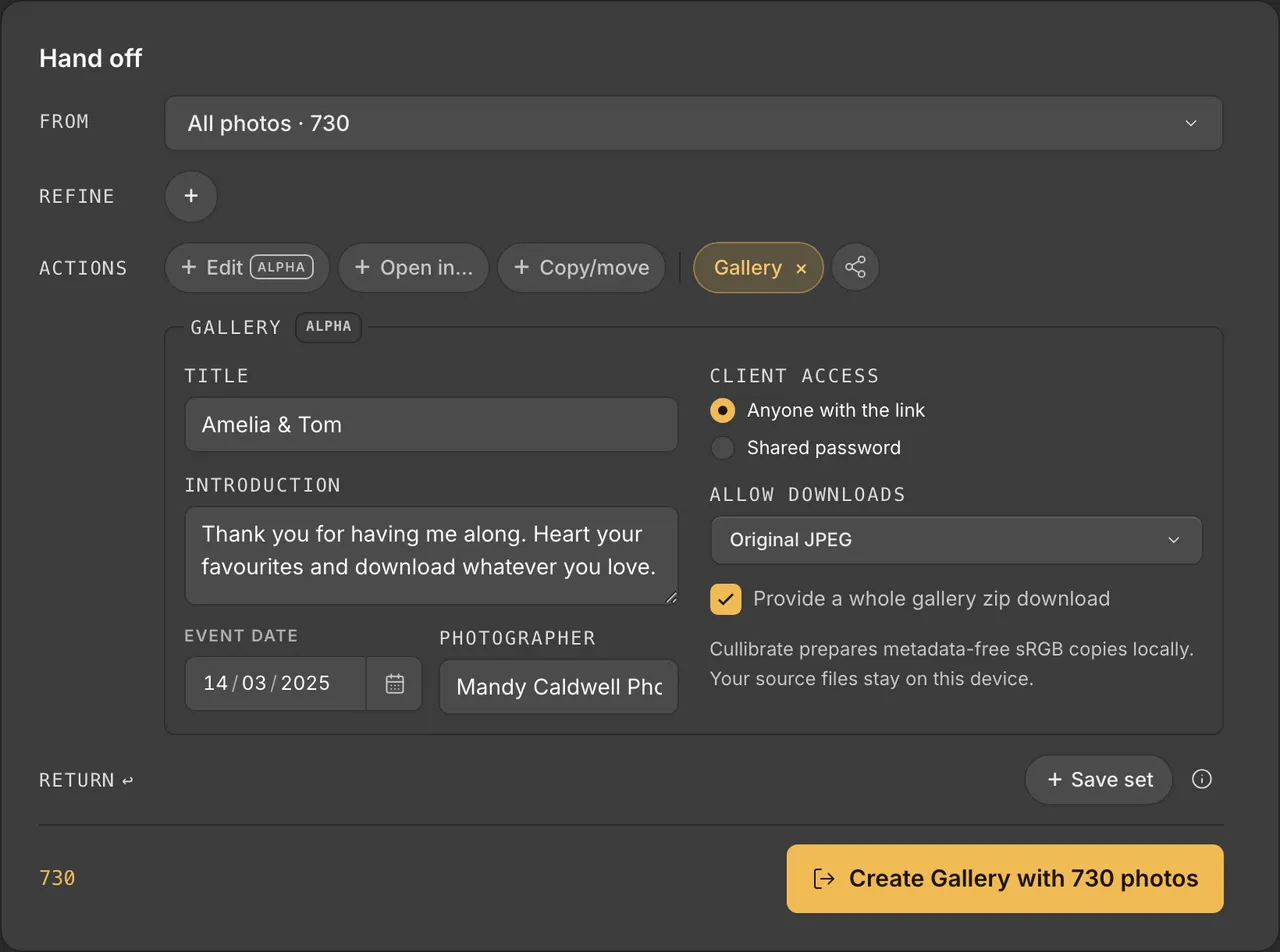
Choose the photos in Handoff, give the Gallery a title and send your client a private link. No export step. No separate upload app.
01 / Handoff
From your cull to a client link in one step.
Galleries live in Cullibrate's Handoff step, right after you've picked the keepers. The photos you chose are already there.
Step 01
Choose the photos
Use the selection you made while culling, or narrow it down.
Step 02
Add the details
Title, a short introduction, the event date and your name. Then choose a link or a shared password.
Step 03
Create the Gallery
Cullibrate prepares the copies on your Mac or PC and hosts the page. You get a link to send.
02 / Lightroom edits
Your Lightroom edits, delivered full size.
Edited a RAW in Lightroom and saved to its XMP sidecar? With Adobe DNG Converter installed, the Gallery gets that photo with your edits applied, at full size. No export step.
Copies are prepared on your Mac or PC as sRGB JPEGs with metadata removed. Up to 2,500 photos per Gallery.
| You have | Your client gets |
|---|---|
| RAW with Lightroom edits in XMP | Your edits applied, full size |
| RAW + JPEG or HEIF pair | The JPEG or HEIF |
| RAW on its own | The full-size camera preview, or a full-size render |
| JPEG | Your JPEG |
03 / Your client
A Gallery your clients will actually enjoy.
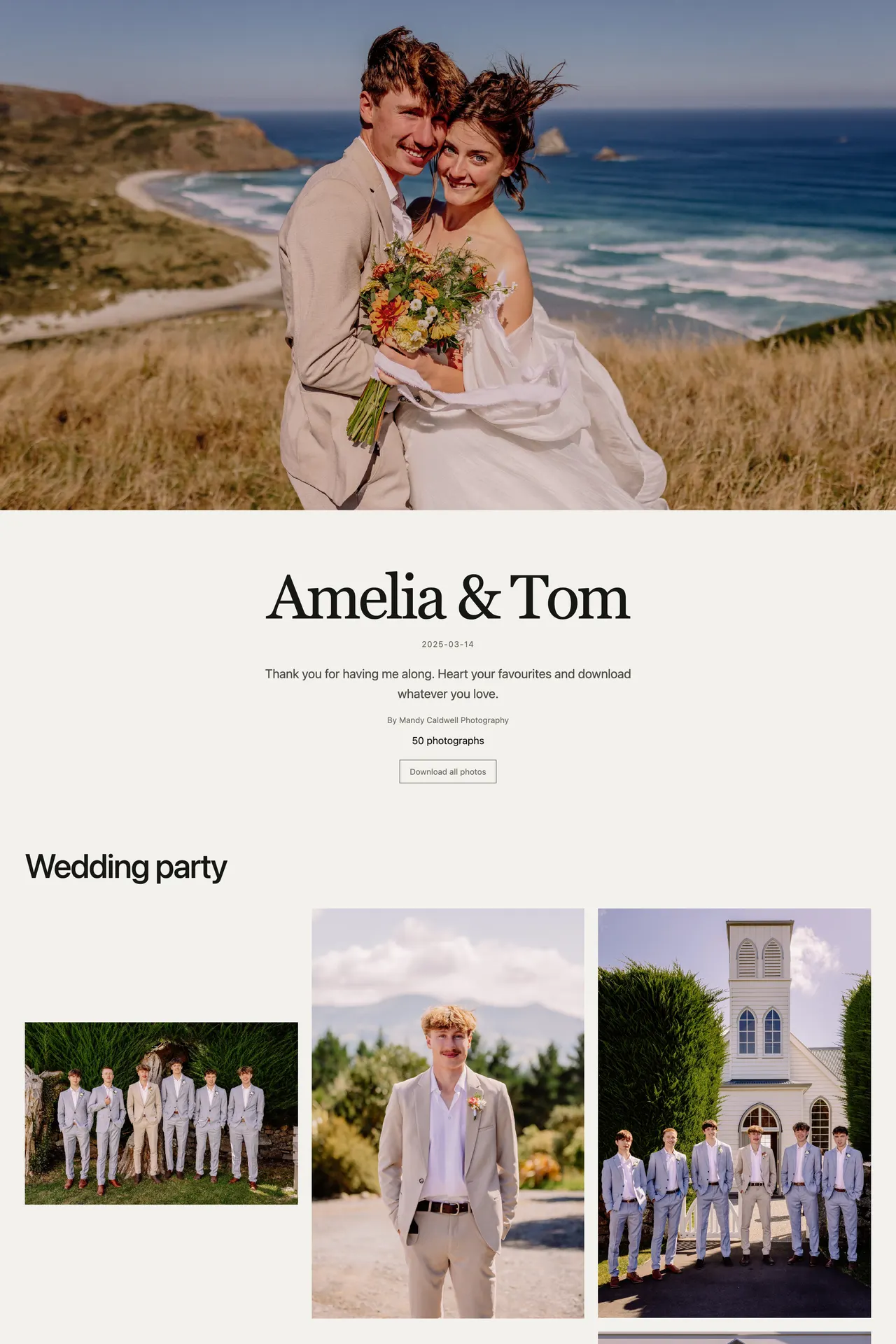
They open the link, or enter the password you shared, and the photos lead. Favourites, comments and downloads sit right beside each photo.
Favourites and comments
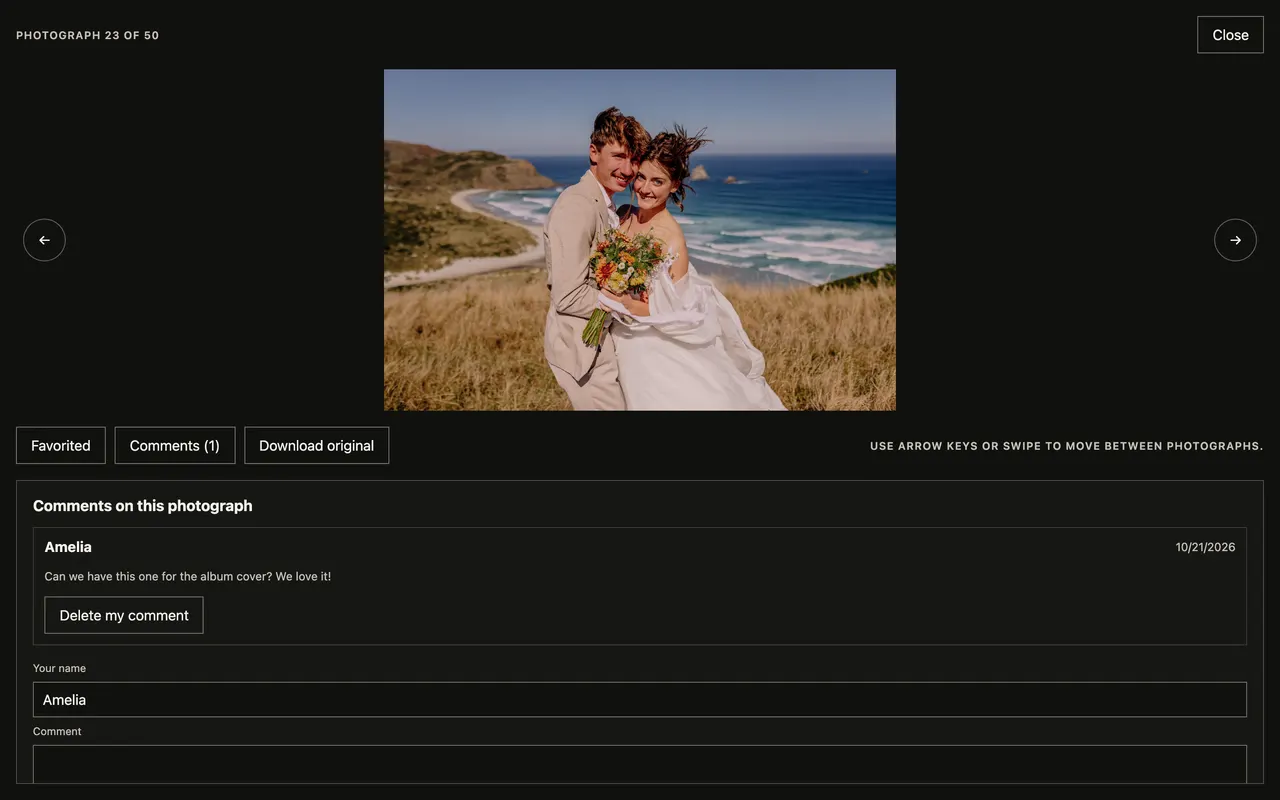
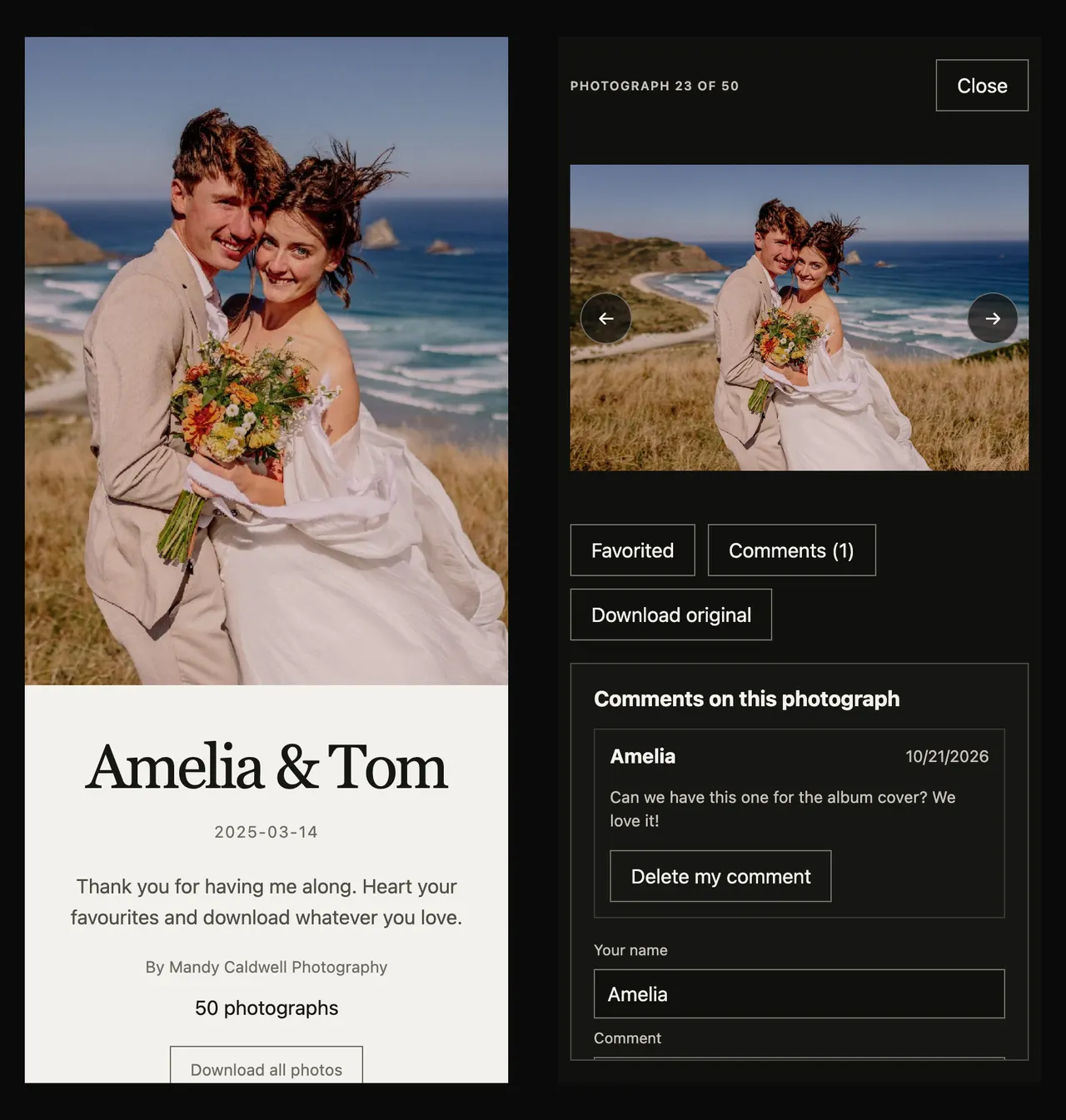
Clients heart the photos they love and leave a note on any photo. You see it all.
Easy downloads
Single photos at web size or original, or every photo as one ZIP, available for 24 hours.
Made for browsing
Named sections, a full-screen viewer, arrow keys on a laptop and swipe on a phone.
No sign-up for clients
Client sessions aren't linked to an account, email or device fingerprint, and clients can erase their Gallery activity.
04 / Presentation
Styled to suit the day.
Pick a cover photograph, arrange sections and photo order, and choose how the Gallery looks.
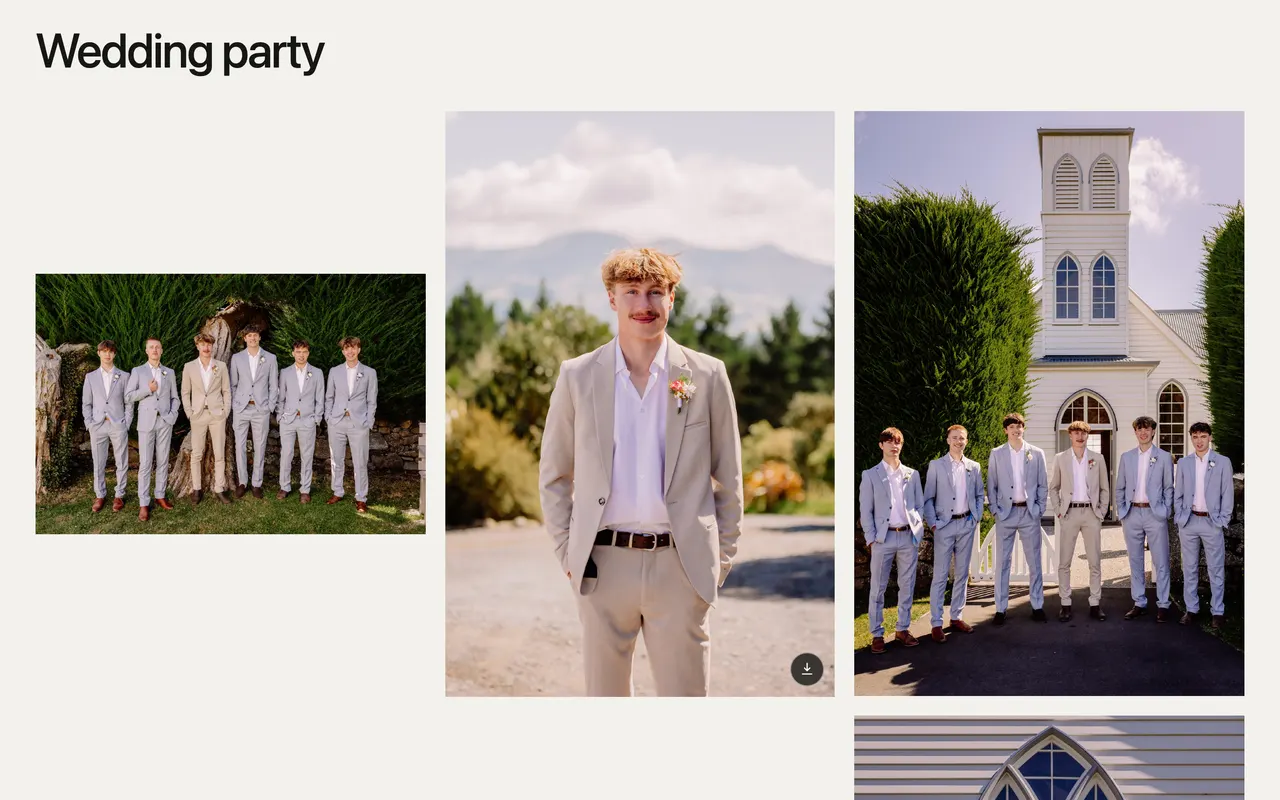
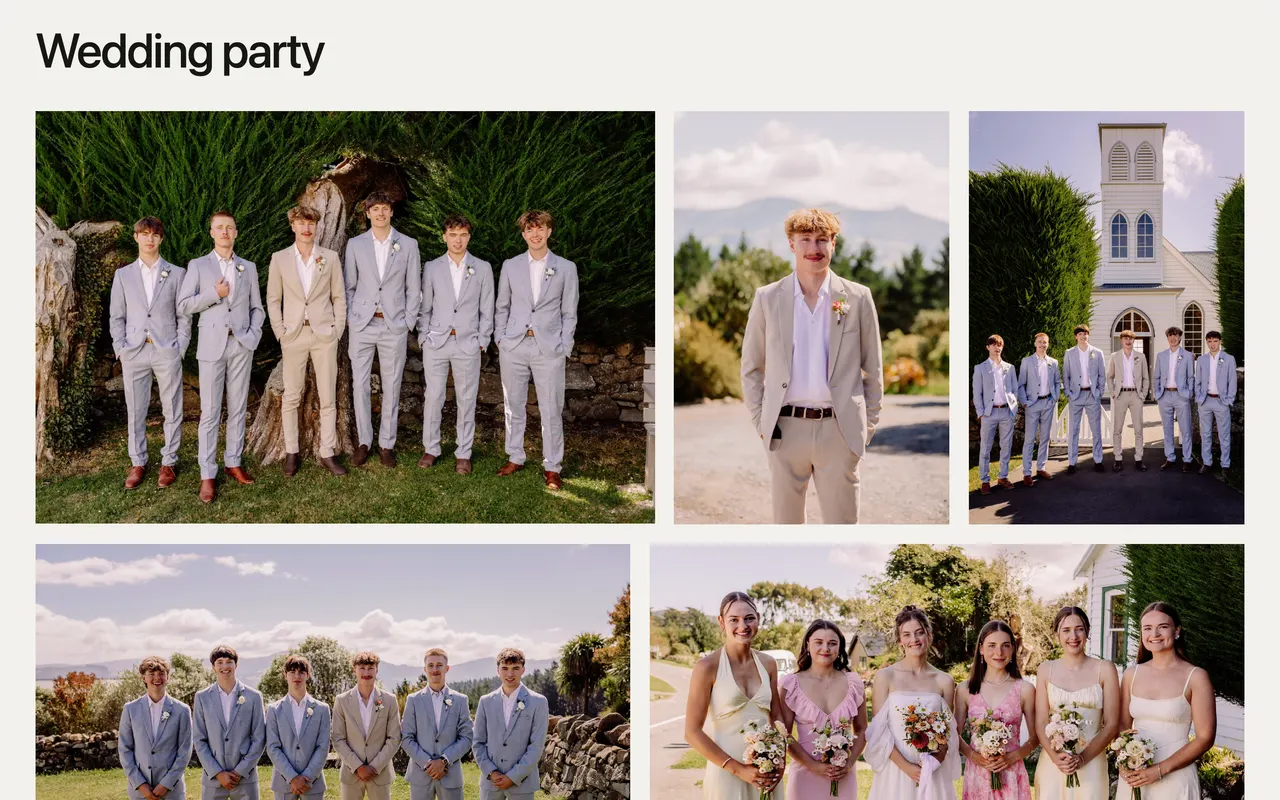
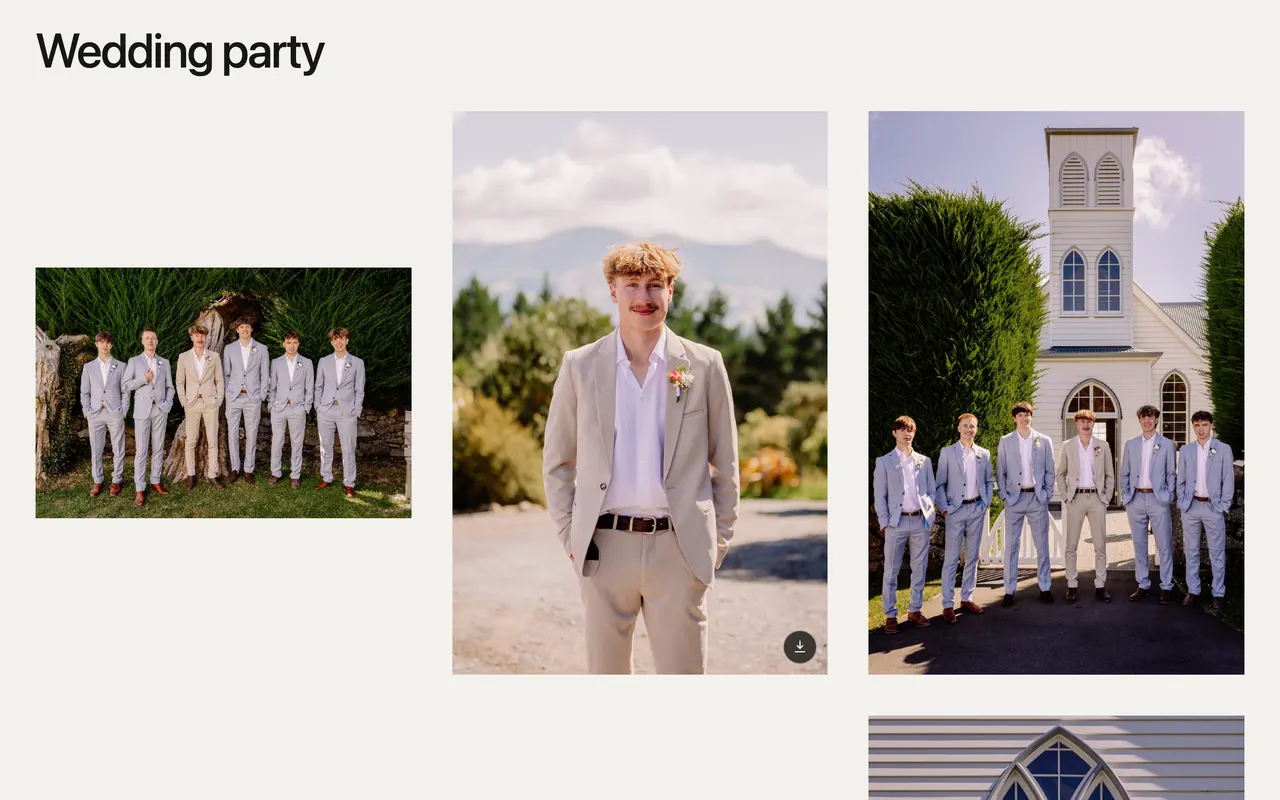
Grid or Editorial
Grid keeps each photo at its own shape. Editorial sets photos in full-width rows.
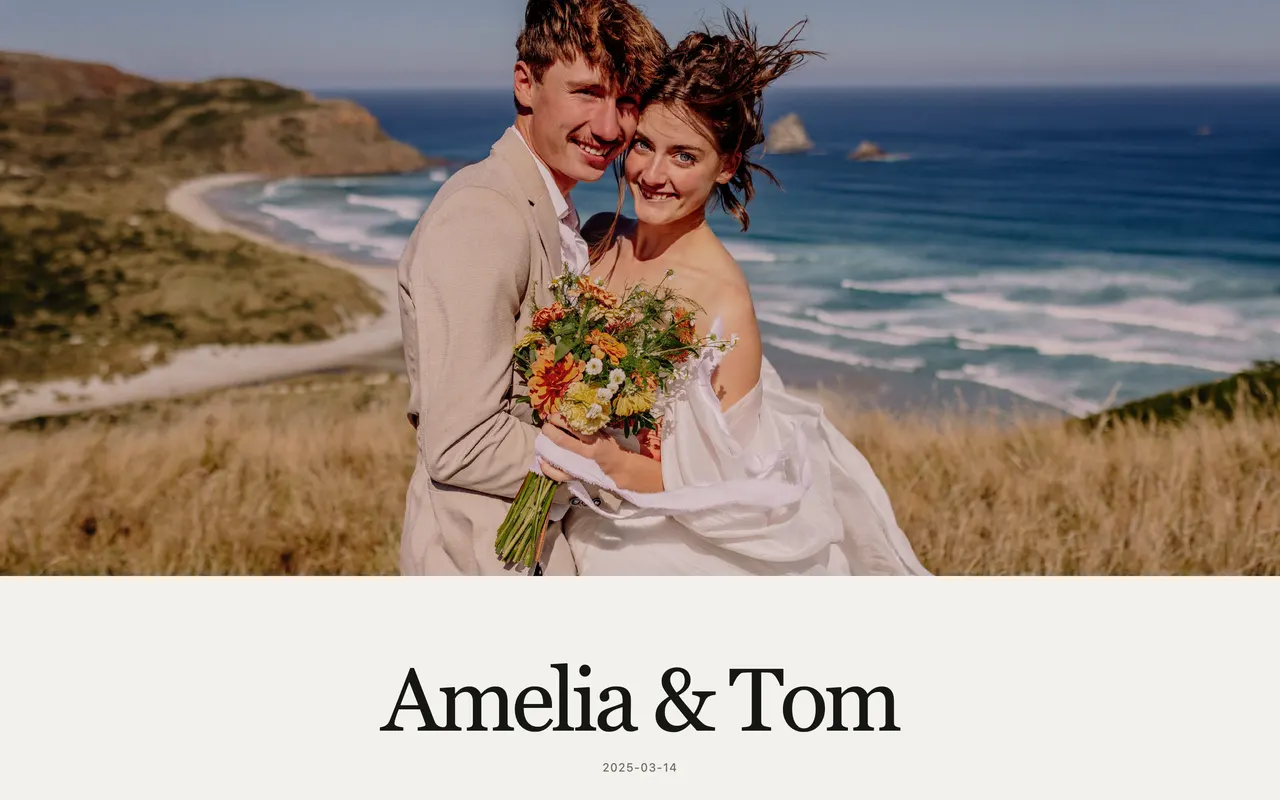
Light or Dark
Match the mood of the day.

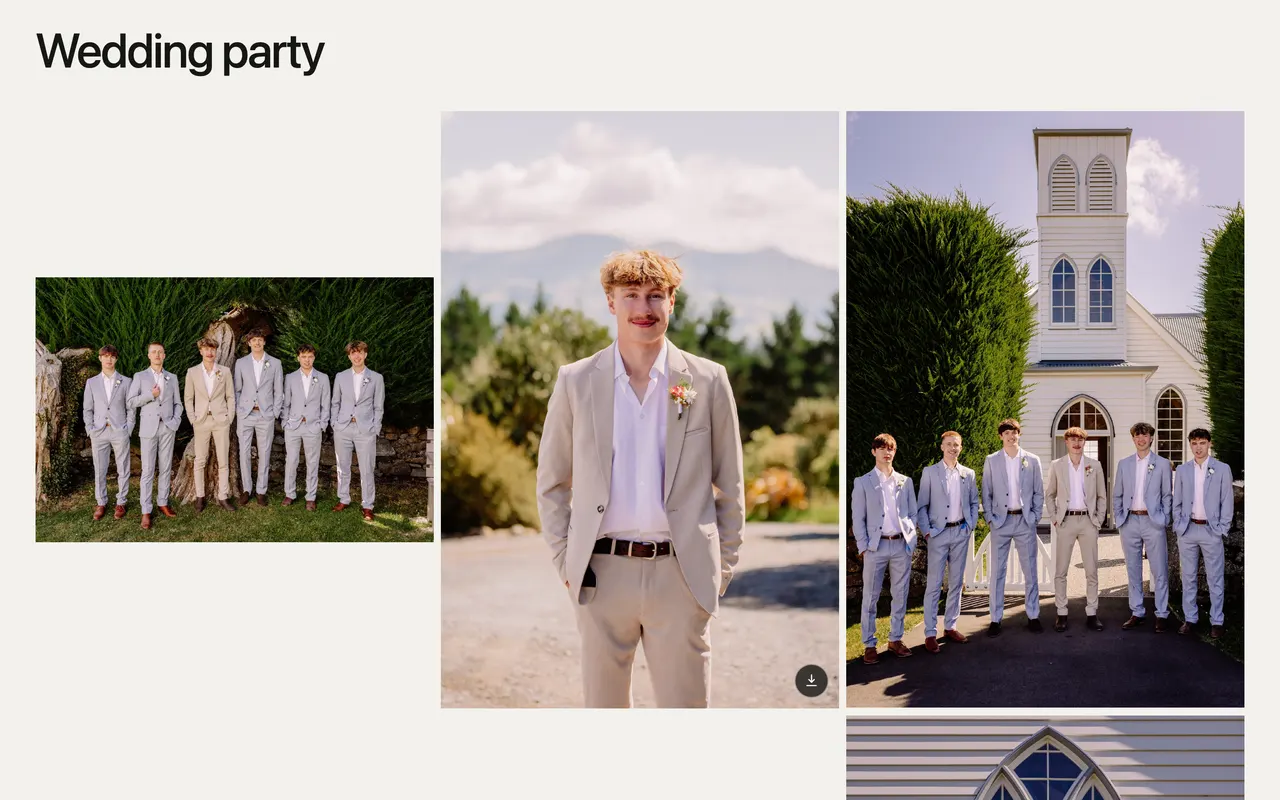
Tight, Regular or Generous
Set how much room each photo gets.
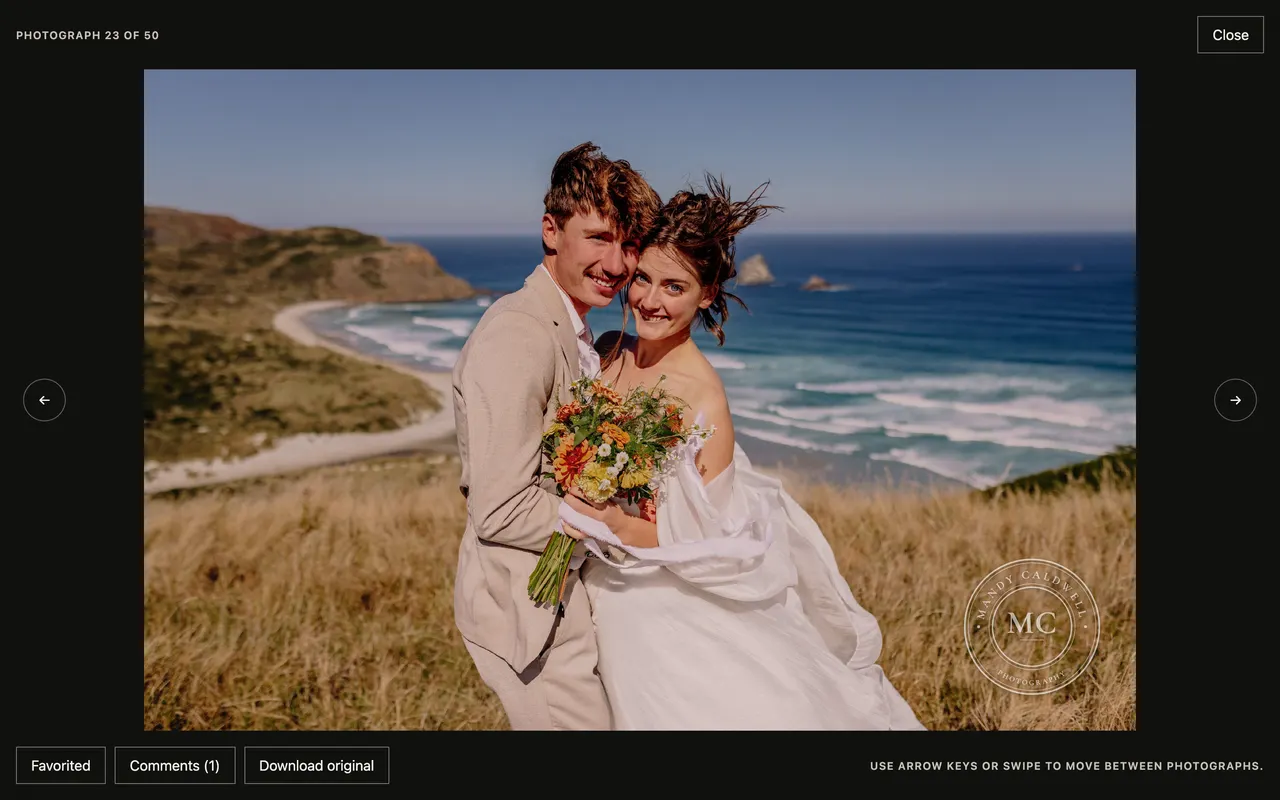
Your own watermark
Upload your logo, sign your name, or pick one of eight stamps. It shows on viewing images only; downloads stay clean.
05 / Manage
You stay in charge after it's sent.
Manage every Gallery on the Cullibrate website. See which photos were favourited, read comments and follow activity.
- Change the shared password
- Rotate the link
- Hide or delete comments
- Set an expiry date
- Unpublish and publish again
- Edit details, cover and sections
- Change the order, layout and watermark
- Move a Gallery to the trash
Galleries are in Alpha, and included with your subscription.
During Alpha there's no extra cost. Later, Galleries are planned as a separately billed feature.
See pricing