Handoff can open your selects in Lightroom, Adobe's newer photo app (not Lightroom Classic). On a Mac, Lightroom shows the folder in its Local tab with exactly your selects selected. Nothing is imported or uploaded to Lightroom's cloud unless you choose that in Lightroom.
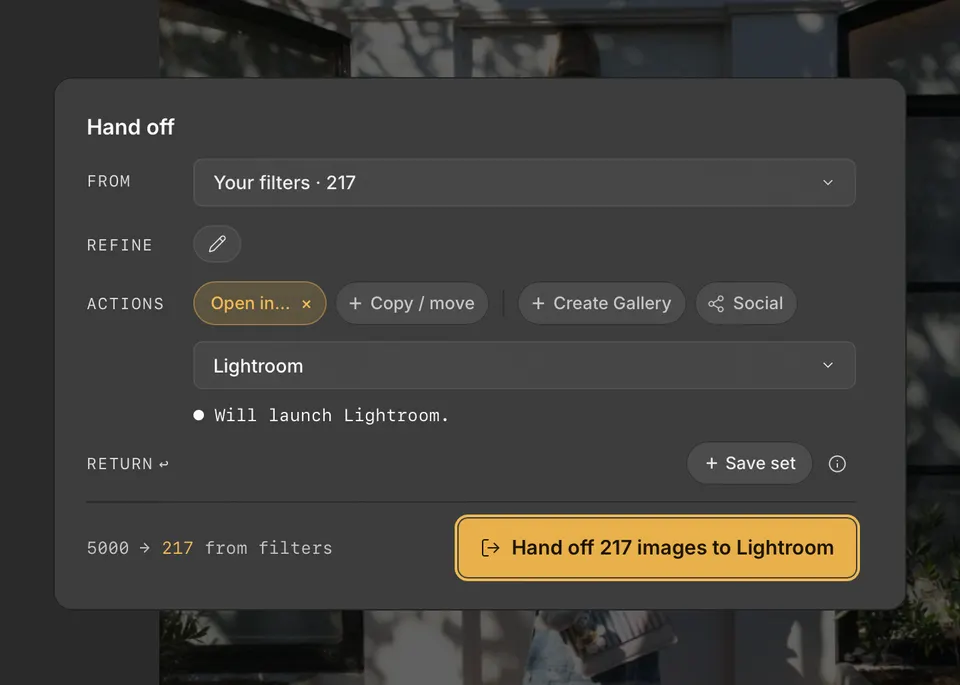
- Press H to open Handoff, and choose your selects with From and Refine.
- Under Actions, click Open in…, then choose Lightroom.
- Click the Handoff button, such as Hand off 217 images to Lightroom.
Lightroom reads compatible ratings and other metadata from the .xmp sidecars beside your files. To keep copies in the cloud, add them from the Local tab in Lightroom.