AI-assisted culling is part of the normal review workspace. It is not a separate mode or screen. Its purpose is to make likely selects easier to find through rankings and subject insight while leaving the final choice with you.
Available now
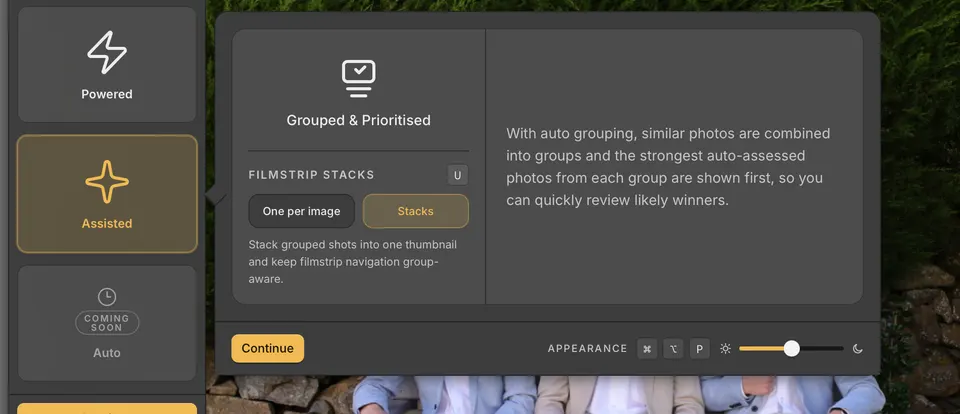
- Grouping collects related frames into visible stacks so you can review sequences without losing context.
- The Faces panel shows the detected faces in the active photo, and Face Survey aligns those faces across a selected set.
- Eye state shows whether each person's eyes are open, closed, looking down, or looking away, with an eye badge under each face.
- The Focus filter and Focus sort show which photos have a sharp subject, a soft subject, or no subject.
- Best first in stacks opens each stack on its best frames: sharpest, with everyone's eyes open.
These signals help order and explain candidates. Your own ratings, colours, and tag or reject decisions remain the final record of the cull. Photo analysis in Display & Performance preferences sets how much of your computer the background checks use.
In Display & Performance preferences, What you photograph sets the default for your collections: General, People, Wildlife & birds or Landscapes & objects. Wildlife & birds and Landscapes & objects skip face and eye analysis; subject focus and grouping still run.
A collection can have its own choice from its menu on Home or the collection menu in the workspace. Choose People or General to analyse faces again. Existing face results are kept when you switch to Wildlife & birds or Landscapes & objects.
Eye state
- Eye badges sit under each face on the photo in Filmstrip (Loupe) and Survey. Press O to switch them between Always and Off, and point at a badge to see what it means.
- Press ShiftO for the mini-map: a small copy of the photo with an eye badge under each face. It starts just right of the mini filmstrip; drag it anywhere, or drag a corner to resize it. It hides while you are zoomed in.
- Point at the mini-map for its buttons: the eye keeps the badges on the photo or shows them only while you point at the map, × hides the map, and the people button sets Show for.
- Show for chooses which photos get the badges and the mini-map: Photos with people, Photos with 2+ people, Photos with 3+ people, or Stacked photos with 3+ people.
- O and ShiftO always act on the photo on screen. If Show for would skip it, eye state shows there anyway until you move to another photo, and an orange ! on the people button says which photos it is normally shown for.
Right-click the photo and choose Eye state for the same settings: Mini-map, with Show and Reset size and position; On the photo; Show for; and Show in mini filmstrip. They are also under Eye state in General preferences. By default, On the photo is Always, Show for is Photos with people, and the mini-map is off.