Handoff works with both parts of Photoshop Elements on Mac and Windows: open your selects as documents in Elements Editor, or add them to an Elements Organizer catalog.
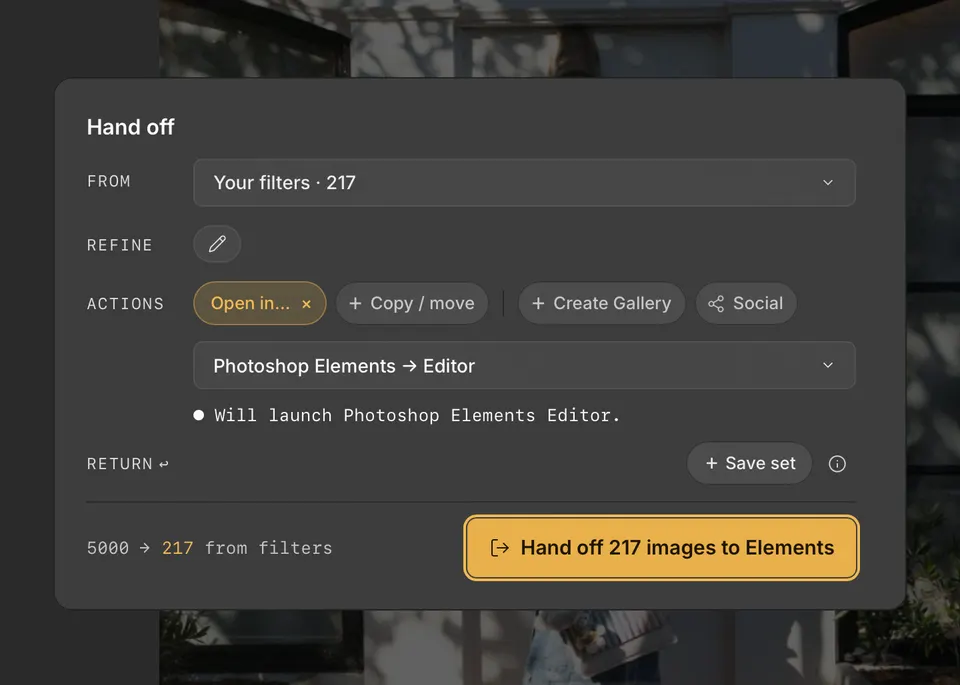
Open in Elements Editor
- Press H to open Handoff, and choose your photos with From and Refine.
- Under Actions, click Open in…, point to Photoshop Elements, and choose Open in Elements Editor.
- Click the Handoff button, such as Hand off 12 images to Elements.
RAW files need Camera Raw for Photoshop Elements. If Handoff cannot find it, it says so and you can still send: in Elements Editor, choose Help → Install Camera Raw. Videos cannot be sent to Elements Editor.
Add to an Elements Organizer catalog
- Under Actions, click Open in… and point to Photoshop Elements.
- Under Organizer, choose a catalog, Choose existing…, or + New catalog….
- Click the Handoff button, such as Add 217 photos to Organizer.
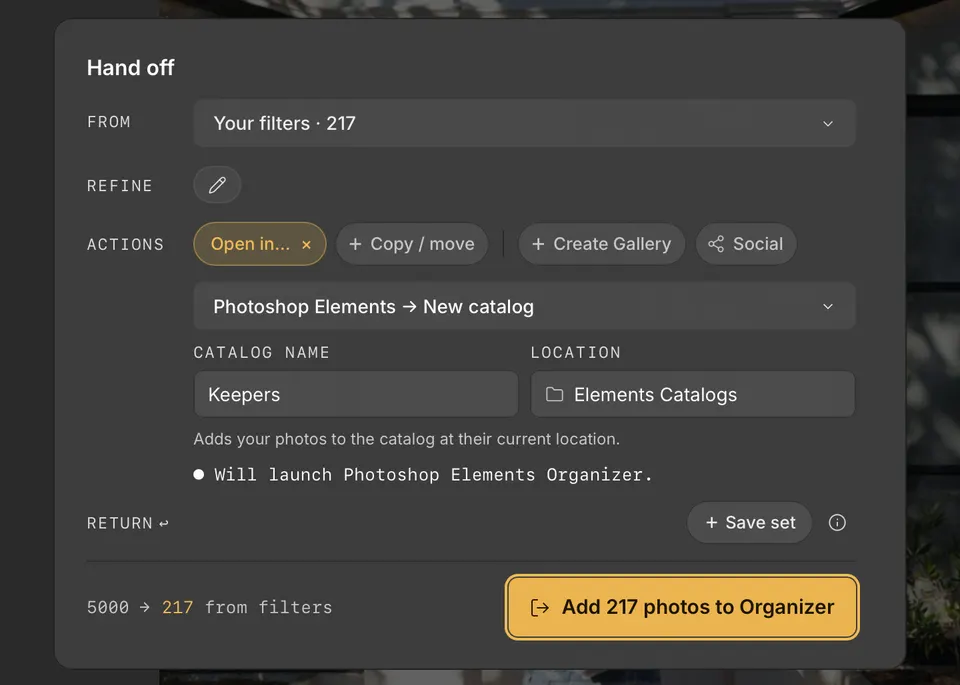
Cullibrate opens the catalog, imports the photos, and brings Organizer to the front when they are in. Photos already in the catalog are skipped.