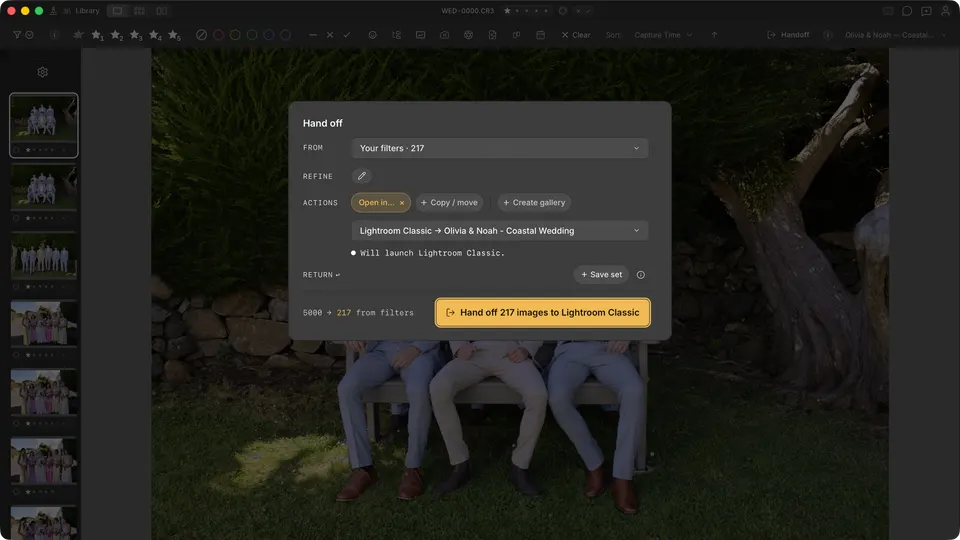
There is no Auto-Cull result view in the current build. The honest workflow is to refine the working set manually and review the checkout overview before sending or exporting it.
- Use ratings, colours, tag / reject, faces, and source filters in the Refine panel.
- Review the selected photos in the Handoff checkout overview.
- Nothing is deleted from disk by manual refinement.