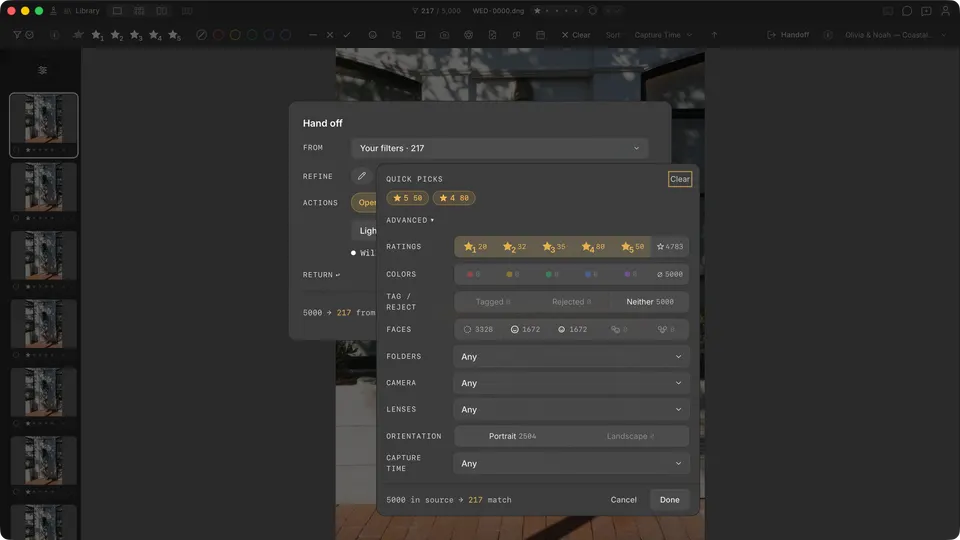
For a fast review, use the current Handoff refinement panel to narrow the collection with the controls that are available today, then inspect the remaining photos before sending or exporting them.
- Import your photos as usual.
- Open Handoff.
- Open the Refine panel and choose the manual filters that fit the review.
- Inspect the refined set, then choose the handoff or export destination.