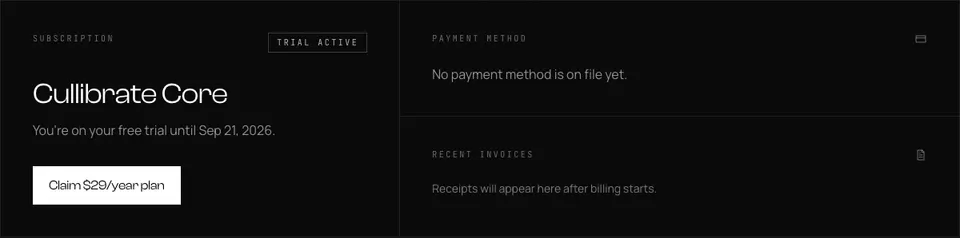
Your subscription section is on the account page. Depending on your state, the primary action lets you claim the founding plan, update payment, or open billing management.
- Go to cullibrate.com/account and scroll to Subscription & payments.
- Use the billing action shown for your account state.
- For the focused billing page, open cullibrate.com/account/billing.